
The essentials in 30 seconds
- To get Google reviews, above all you need to ask: at the right moment, with a direct link, in one simple sentence.
- Google itself provides a link and a QR code to ask for reviews. It is free.
- Recent reviews matter most: 74% of consumers only look at reviews from the last three months.
- Offering a discount in exchange for a review, or only asking happy customers, is banned by Google.
- Replying to every review, good or bad, reassures future customers as much as a good rating.
- 74%of consumers only care about reviews from the last three monthsBrightLocal, 2026
- 41%of consumers always read reviews before choosing a businessBrightLocal, 2026
- 31%only choose a business rated 4.5 stars or higherBrightLocal, 2026
To get Google reviews, the most effective approach is to ask for them, simply, at the right moment, with a direct link to your profile. Google encourages it itself: its help page on customer reviews explains how to share a link or a QR code to invite your customers to leave a review. Most satisfied customers simply don’t think of doing it on their own.
Many business owners don’t dare to ask. They are afraid of bothering people, or of looking like pushy salespeople. That’s a shame, because a happy customer is often glad to help. Here is the method we set up for our clients, the phrases that work, and the traps you absolutely must avoid.
Why are Google reviews so important?
Google reviews are important because they influence both your ranking on Google Maps and your future customers’ decision. They work twice: before the click, then before the call.
Google acknowledges it in its help page on local ranking: the number of reviews and the rating count toward a business’s prominence. More positive reviews can improve your local position. It is not the only criterion, but it is one of the few you can improve every week.
What your customers really look at
Your future customers read reviews more and more. According to BrightLocal’s annual survey, 41% of consumers always read reviews before choosing, up from 29% the previous year. And 31% only choose a business rated 4.5 stars or higher.
Freshness matters more than volume
The most telling figure is elsewhere. 74% of consumers only care about reviews from the last three months. A profile with fifty four-year-old reviews is less reassuring than one with fifteen recent reviews. So you need a steady flow, not a one-off effort.
An example everyone knows
Think of the last time you chose a restaurant in an unfamiliar town. You probably opened Google Maps, looked at the stars, then read three or four recent reviews. Your customers do exactly the same with your business. They don’t know you yet. Reviews are their only way of knowing whether you can be trusted.
When should you ask for a Google review?
The ideal moment to ask for a Google review is right after a moment of satisfaction: the end of the job, a successful session, the customer’s thank-you. The longer you wait, the lower the motivation.
A customer who has just told you “Thank you, it’s perfect” is ready to say it in writing. Three weeks later, they have forgotten. That’s why we advise tying the request to a specific moment in your work, always the same one.
A few examples of good moments
- for a tradesperson when handing over the keys or at the end of the job, when the customer sees the result
- for a therapist after a session where the client expresses relief
- for a shop at the till, when the customer comes back for the second time
- for an online service after delivery, when the customer confirms everything works.
How do you ask for a Google review without it being awkward?
To ask for a Google review without awkwardness, tell the truth: you are a small business, reviews help other customers find you, and it takes one minute. Then give the direct link.
The key is simplicity. No long speech, no complicated form. A customer who has to look for your profile themselves often gives up. A customer who receives a direct link clicks. Every click you remove increases your chances. Ideally, the customer should be able to leave a review in under a minute, from their phone, without creating an account or searching for your name.
The direct link and the QR code
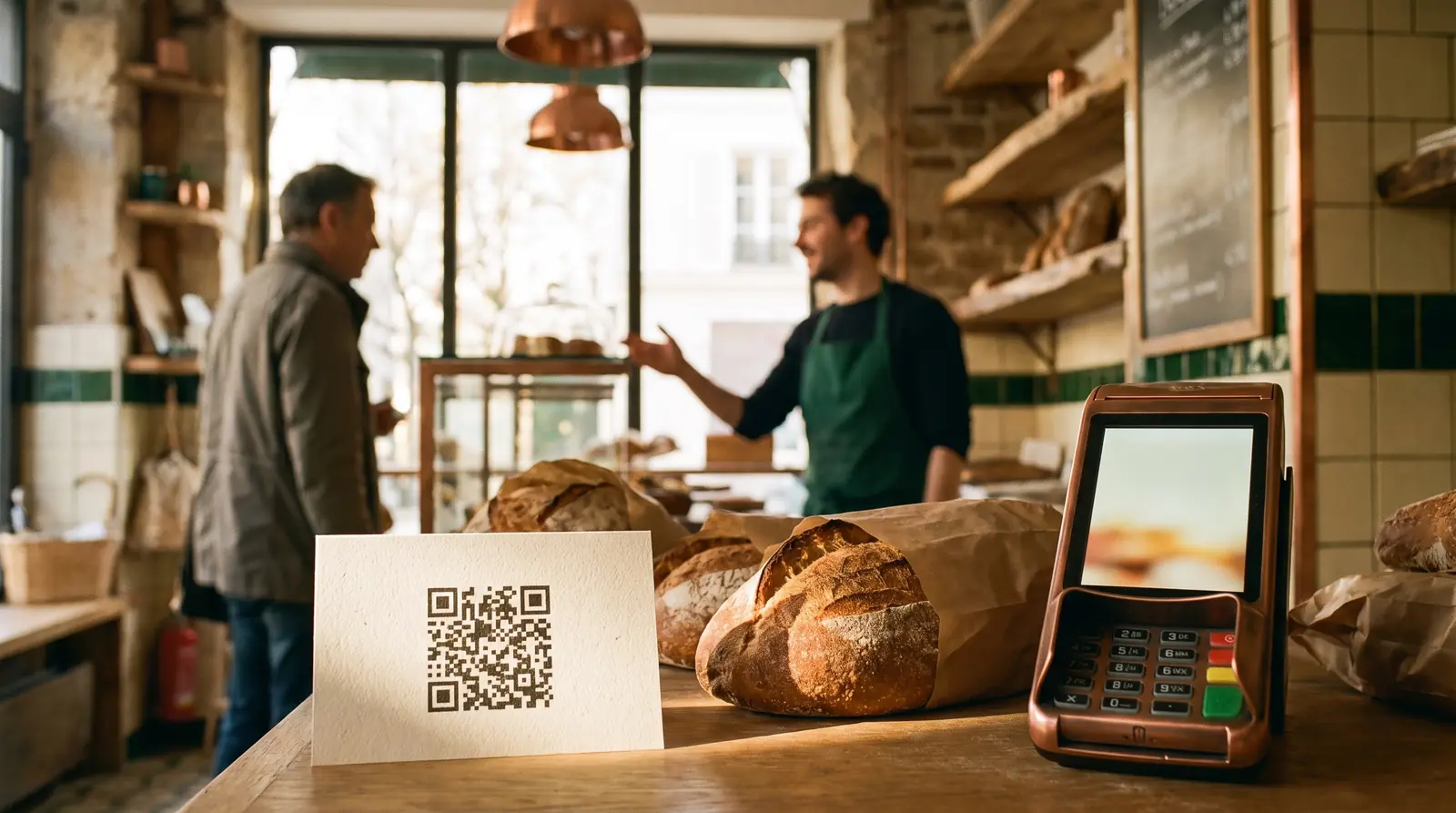
Google offers a short link that opens the review window of your profile directly. You will find it in your Business Profile, under “Ask for reviews”. The same tool generates a QR code. Print it on a card, an invoice or a sign near the till.
Phrases that work
Here are some wordings we suggest to our clients. Adapt them to your tone:
- In person: “If you’re happy with the work, a short review on Google would help us a lot. Shall I text you the link?”
- By text: “Thank you for your trust. If you have a minute, your review will help other customers find us: [link].”
- By email: a short thank-you message, the link, and an open question such as “What did we do for you?”
The open question is a little secret. It helps the customer write a precise review, mentioning the service and the context. A detailed review is more reassuring than a simple “Very good”.
What Google bans for reviews
Some practices are strictly banned by Google. They can lead to your reviews being removed, or even penalties on your profile. Google Maps’ policy on prohibited content is clear:
- offering an incentive in exchange for a review: a discount, a gift, entry into a prize draw
- only asking satisfied customers and leaving out those who might be disappointed
- writing reviews on behalf of your customers or having friends, family or employees write them
- buying reviews from an agency or a specialized platform
- posting fake negative reviews on a competitor’s profile.
What the law says
Fake reviews don’t just break Google’s rules. In France, the DGCCRF, the consumer protection authority, treats them as a misleading commercial practice, punishable by criminal penalties, and many other countries have similar rules. At Monsieur Click, our rule is simple: only genuine reviews, never bought, never invented.
Should you reply to every Google review?
Yes, you should reply to every review, positive or negative. A reply shows that you are present, attentive and professional. It speaks to the future customer as much as to the author of the review.
Google explains how in its help page on managing reviews. You can reply from your Business Profile, on a computer or on your phone. The reply appears publicly under the review.
Replying to a positive review
Say thank you sincerely, picking up a detail from the review. Avoid the same copy-paste for everyone. A reply like “Thank you Claire, delighted you love the new bathroom” is better than “Thank you for your review” repeated fifty times.
Replying to a negative review
Stay calm, even if the review seems unfair. Acknowledge how the customer feels, give your version in one or two factual sentences, and offer to discuss it privately. Above all, avoid long justifications or attacking the customer. Future customers are not looking for a perfect business. They are looking for a business that reacts well when something goes wrong.
What if the review is fake?
If a review breaks Google’s rules, for example a fake review or an abusive message, you can report it from your profile. Google examines it, then decides whether or not to remove it. Reply politely anyway in the meantime. Silence leaves the review without context.
The mistakes that hold back your reviews
In our Google profile audits, we often find the same obstacles. None of them is banned. But each one loses reviews without the owner realising:
- asking too late several weeks after the service, when the customer has moved on
- sending people to the wrong page for example a Google search instead of the direct link to the review window
- asking only once a year during a big campaign, then nothing for months
- never replying which makes the profile look abandoned
- forgetting the team if the person in contact with the customer doesn’t ask, nobody asks.
Make asking a habit
The solution fits in one word: routine. Asking for reviews should be part of your process, like the invoice or the quote. Once it is automatic, you no longer have to think about it. That is what makes the difference between a profile that gains two reviews a year and one that gains two a month.
How can you showcase your best reviews?
You can showcase your reviews by sharing them on your website and social media, with the link to the original review. A review visible on your website reassures visitors who haven’t been through Google yet.
Google lets you share a specific review with a link. On the websites we build, we also add a widget that displays your Google reviews live. The rating and the texts update themselves. No frozen rating going stale, no risk of showing an outdated figure.

Do reviews also matter for AI?
Yes, reviews matter for AI assistants too: they read them, and customers check them afterwards. A well-rated, frequently recommended business has a better chance of being cited.
BrightLocal found that 88% of consumers check the reviews mentioned by an AI before choosing. The AI does the shortlisting, the reviews confirm. We explain this in more detail in our article on ChatGPT and Perplexity.
Our review system at Monsieur Click
At Monsieur Click, review management is part of the Click First™ method. We don’t collect reviews at random. We set up a simple system that runs on its own.
What we put in place
- an automatic request sent at the right moment, by text or email, with the direct link
- a QR code ready to print for your counter, your invoices or your vehicle
- customizable reply templates so no review is ever left unanswered
- monthly tracking of the number of reviews, the rating and the response time.
Everything is set up once, then runs in the background. You stay in control: you approve the messages, you choose when the request is sent, and you can reply to reviews yourself whenever you like. We take care of the rest, and every month we show you what has improved.
What we refuse to do
We don’t sell reviews. We don’t filter out unhappy customers. We never write a review on someone’s behalf. These practices always end up being noticed, and they destroy in one week a reputation built over ten years.
What our clients say about our work
We apply the same rule to ourselves. Our reviews come from real clients, visible on our Google profile. Bodyguard Paris summed it up like this: “Our reputation has always been solid, but we had nothing to show it online.” Showing a real reputation is exactly the goal.
Want a simple, honest, regular review system? As a web agency specializing in local visibility, we set it up with you, remotely.
Article written from our field experience and verified sources. No ranking or AI citation is guaranteed.
 Google Business Profile but no calls: 8 causes and how to fix them
 Why your business needs a website in 2026 (and why it isn’t enough)
 A website that brings no customers: 10 signs to check